GrabVid: Paste a Link, Pick a Quality, Save the Video
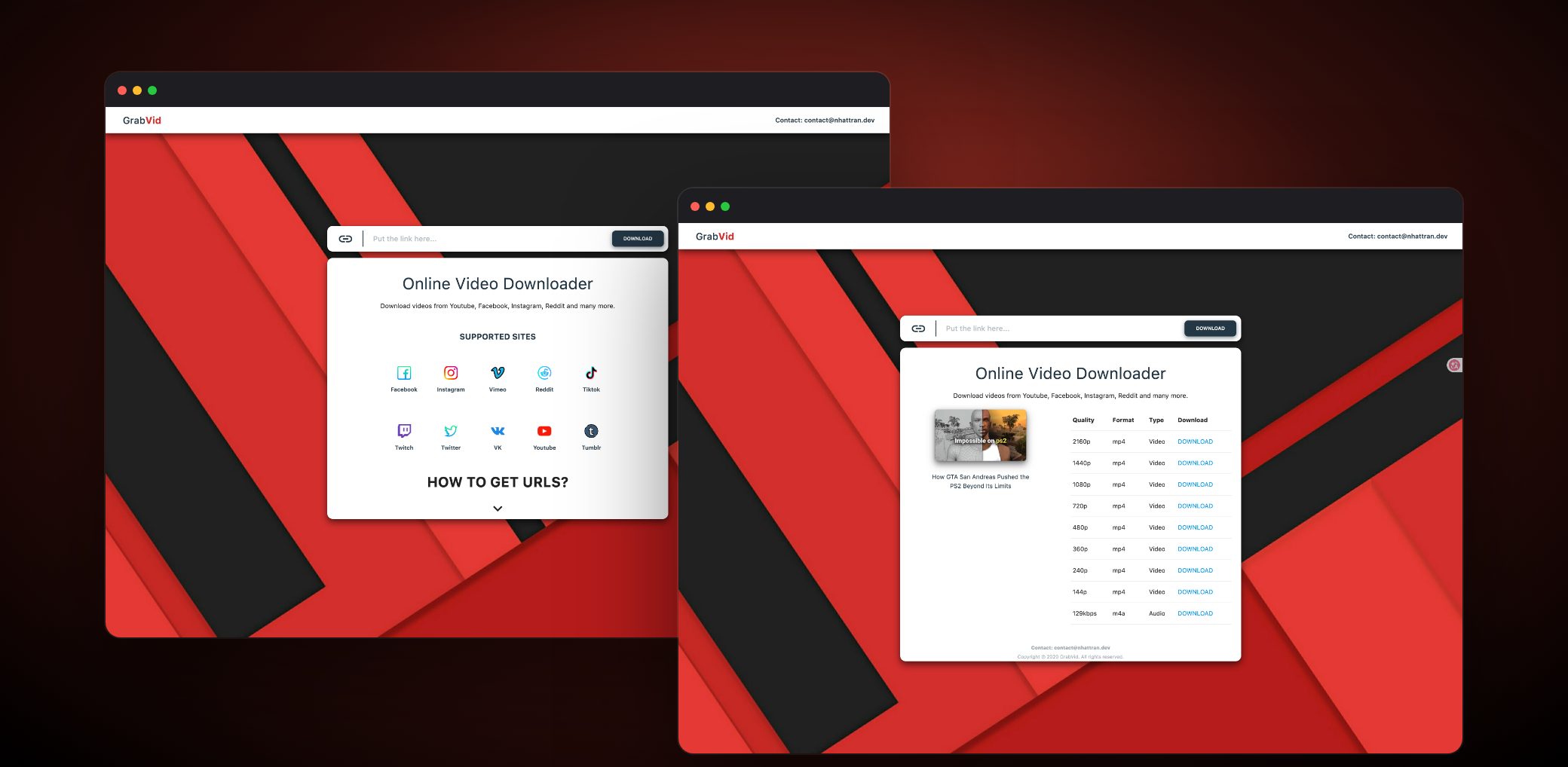
One link, one file on your device
To keep a video, people usually have to find another tool, install it and learn how to use it. GrabVid works the other way: paste the link into the box, press download, and the file arrives in the browser.
The app supports the sites that yt-dlp can read, including YouTube, Facebook, Instagram, TikTok, Twitter/X, Reddit, Vimeo, Twitch, Tumblr and VK. For each video, the list shows every MP4 resolution the source offers, plus the best M4A audio track.
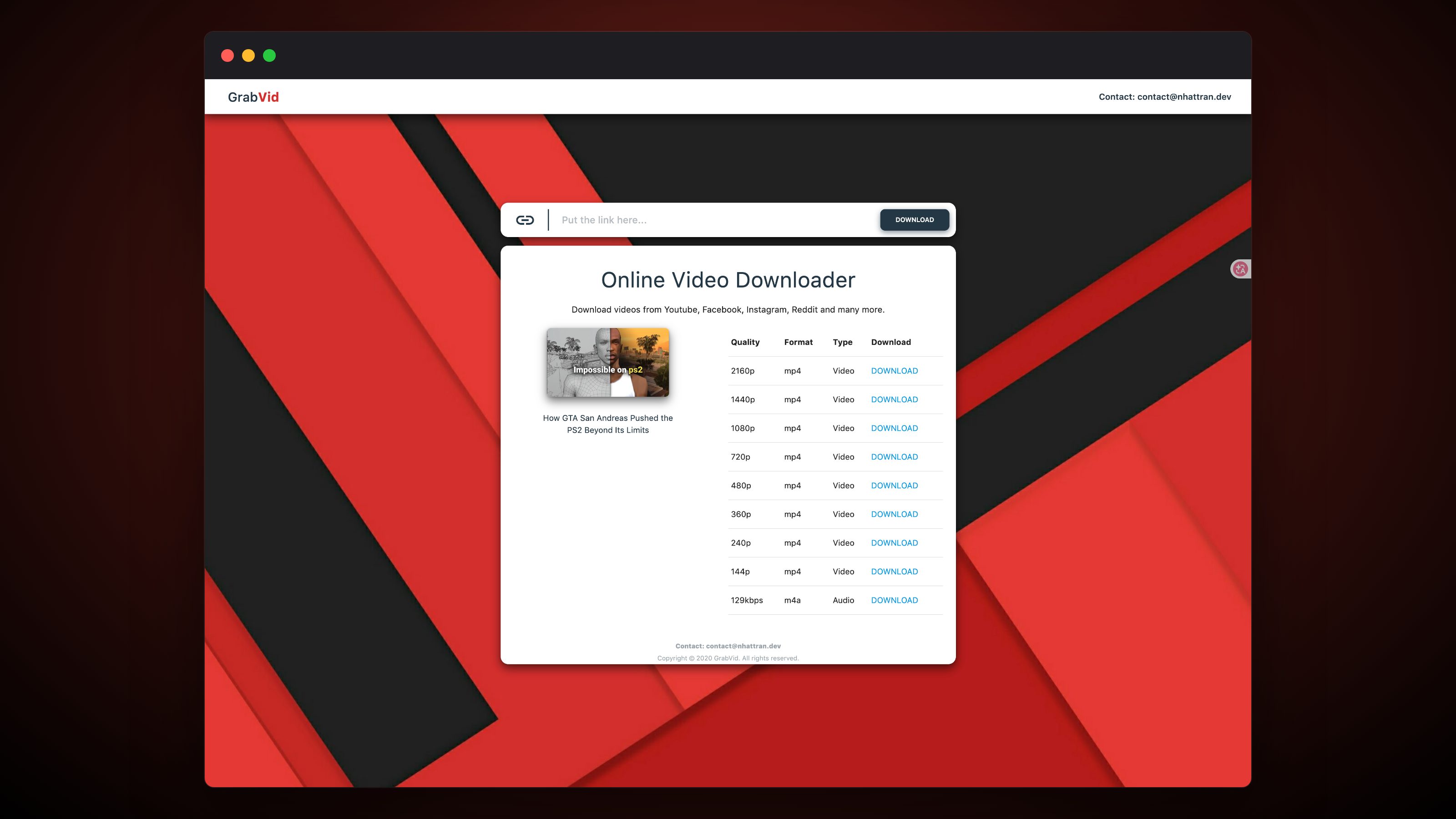
Merging picture and sound on the server
The hard part is YouTube. From around 360p up, the source splits picture and sound into two separate streams. If only one stream is downloaded, the file has no sound. So GrabVid merges the two streams with ffmpeg on the server, and every MP4 row in the list has audio.
The trade-off is time. The server has to prepare the file before the browser can save it, so each row shows a loading state. The README also notes that without Deno, YouTube downloads are slow and some formats are missing.
Bun, Express and a deliberately small page
The app runs on Bun with TypeScript, uses Express and EJS to render pages on the server, and styles the interface with Sass. I planned the features, designed the interface and wrote the code myself. The project is public and still running.
Tech Stack
 Bun
 Express
 Sass